Survey
Review rooms, building services and equipment systematically on site.
Asset management
Kaldreniq creates clear, QR-registered asset information that connects equipment to its building, floor and room—providing a dependable foundation for maintenance and reporting.
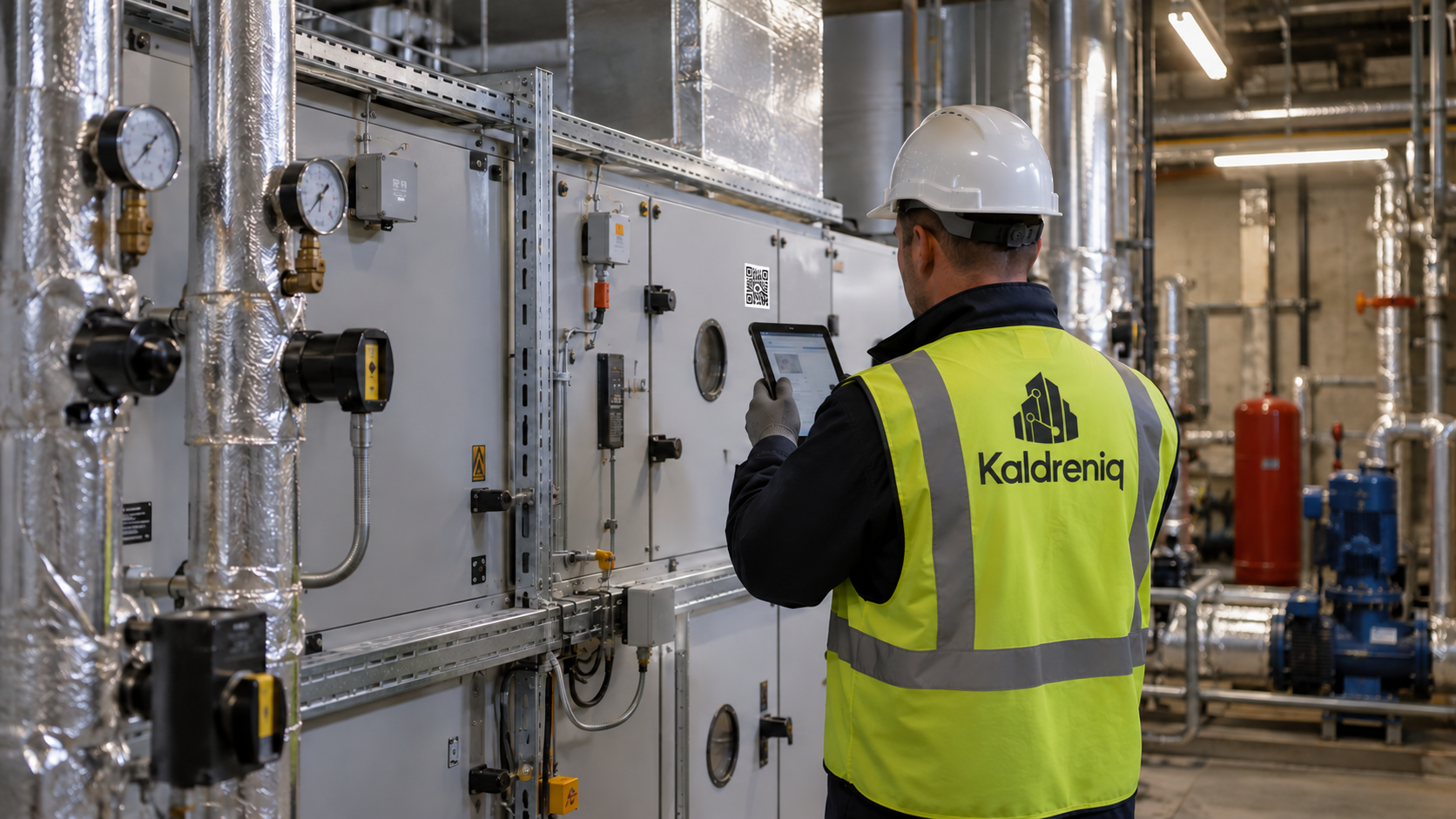 Survey & verification
01 Dependable records
Useful asset management depends on accurate information. Kaldreniq supports structured room-by-room surveys and equipment verification so records are based on what is physically present.
Each QR-registered asset can be connected to its location, identification details, maintenance requirements and service history.
02 From survey to register
Review rooms, building services and equipment systematically on site.
Confirm asset identity, location and relevant technical information.
Organise every record within the correct client, building, floor and room.
Link the asset to QR identification, planned maintenance and service records.
03 Digital asset registers
A structured register makes it easier to understand equipment across one building or a wider portfolio while keeping every asset connected to its physical context.
01Asset identity and reference
02Building, floor and room location
03Manufacturer, model and serial information
04Condition and verification status
05Service and inspection history
06Planned maintenance requirements
04 Build at your pace
Kaldreniq does not require every building asset to be added at once. A client can begin with a priority system such as HVAC and add further asset groups, spaces or buildings in planned phases.
05 QR identification
QR identification can provide a controlled link between an individual room or asset and its digital record, helping authorised teams locate the correct information at the point of work.
QR structure supports identification; it does not replace proper asset verification, maintenance controls or permissions.
06 QR room help points
QR help points can be positioned in classrooms, shared spaces or other agreed locations. A user scans the room code to report an urgent facilities issue against the correct location, helping the responsible team understand where support is needed without relying on an unclear verbal description.
This is particularly useful in schools and other busy environments. The reporting route is configured around the client’s response process and does not replace emergency services, alarms or established life-safety procedures.
Open the help route for the correct classroom or space.
Provide the urgent facilities issue and relevant details.
Send the request through the client’s defined process with the location already identified.